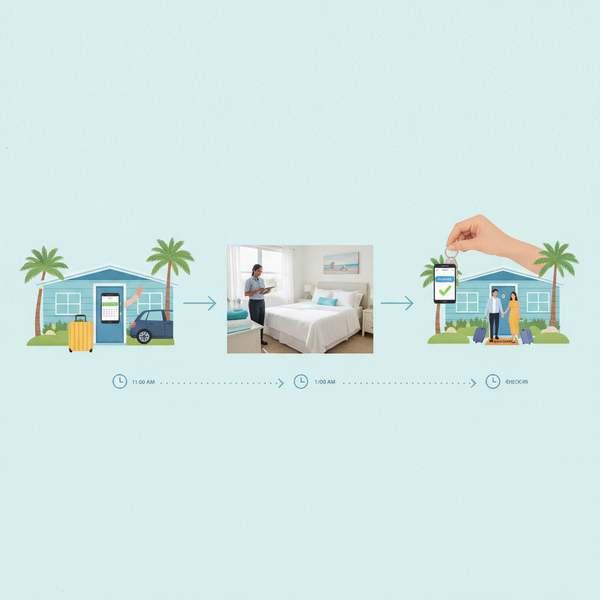
Guest Issue to Fixed: How to Automate Maintenance Requests for STRs (and Save Your Sanity)
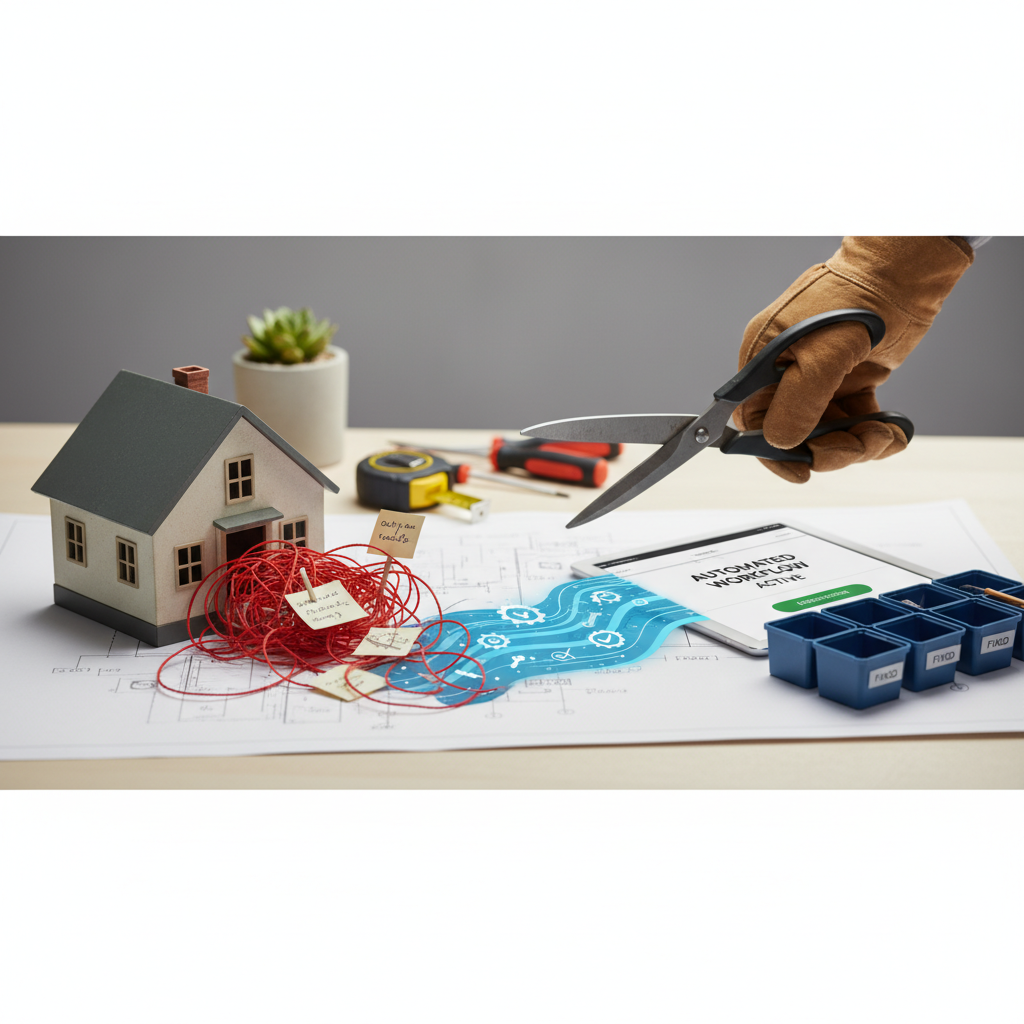
The Breaking Point: Why Your Manual Maintenance Process is Costing You More Than Money
That frantic text about a broken toilet? We've all been there. At first, handling maintenance with texts seems easy enough. But as you add more properties, it quickly turns into chaos.
You start missing messages. You forget to follow up. You can't track what's actually getting done. These aren't just headaches—they cost you money and good reviews.
You're stuck juggling guests and handymen instead of growing your business. Without a real system, you get sloppy, things get missed, and your reputation takes a hit when small issues become big complaints. Let's be honest: manual systems just can't keep up.
The Automation Advantage: More Than Just a To-Do List
Automating maintenance isn't just about fancy software. It's about getting your time back and running a tighter ship. A dedicated system gives you one place to manage every maintenance task and conversation.
Picture this: a guest reports a leaky faucet in an app. A work order is created and sent to the right person, instantly. You don't have to do a thing. This means problems get fixed faster, before they turn into bad reviews.
Automation gives you a clear, organized way to see every request from start to finish. Your team knows what's happening, and property owners stay informed, which builds trust. It's not just for repairs, either. You can schedule routine checks—like for the HVAC or smoke alarms—to catch problems before a guest ever sees them.
Bottom line: automating this stuff lets you focus on growth, not the endless daily headaches.
Choosing Your Toolkit: What to Look for in a Maintenance Automation System
Picking the right software is critical for automation to actually work. Many Property Management Systems (PMS) have maintenance tools built-in, but you can also find standalone apps. What you need depends on your portfolio size and specific problems.
Here are the must-have features:
* **A guest issue reporting portal** that lets them easily send requests with photos and videos.
* **Automated workflows** that create and assign work orders to your team or vendors based on rules you set (like issue type or location).
* **Real-time tracking and status updates** so everyone—you, your team, and the guest—can see what's going on.
* **A centralized communication hub** to kill the endless back-and-forth of texts and emails.
* **Reporting and analytics** to track costs, spot repeat problems, and see how your vendors are performing.
Tools like Guesty, Hostaway, and Hospitable all have solid features for this.
From Chaos to Control: A Step-by-Step Guide to Implementation
Switching to an automated system needs a plan. Here’s a simple, step-by-step guide to get it done:
1. **Define Your Workflow:** Before looking at software, map out your current process. Who does what? What breaks most often? This shows you where the problems are and what features you actually need.
2. **Select the Right Tool:** Based on your workflow, choose a PMS or a specialized maintenance app. Get demos from companies like Hostaway and Guesty. Ask them tough questions about how their tools handle your specific problems.
3. **Onboard Your Team and Vendors:** Once you have the software, train your staff and contractors. Make sure they know how to use the system to get and update work orders. Most have mobile apps that make this easy.
4. **Create Communication Templates:** Create pre-written messages for guest communication. You'll want templates for acknowledging a request, giving updates, and confirming the job is done. Good software lets you automate these.
5. **Educate Your Guests:** Update your digital guidebook and check-in messages. Clearly explain how guests should report a problem with the new system. If it's easy, they'll use it.
6. **Start Small and Iterate:** You don't have to switch everything overnight. Roll out the new system at one or two properties first. Get feedback from your team and guests, fix the kinks, then expand to your whole portfolio.
Best Practices for a Seamlessly Automated Maintenance System
Having the right tool is step one. To really get this right, you need to follow a few key practices:
* **Set Clear Service Level Agreements (SLAs):** Define exactly how quickly your team must respond to and fix different issues (e.g., urgent vs. non-urgent). This sets clear expectations for guests and your team.
* **Insist on Photo and Video Reporting:** Don't just encourage it, require it. Make guests and staff include photos and videos with every request and completion. It cuts down on confusion and helps you diagnose problems from anywhere.
* **Integrate with Smart Home Technology:** Get ahead of problems by connecting your software to smart devices. A leak sensor can trigger a work order before the guest even knows there's a drip.
* **Schedule Regular Preventive Maintenance:** Use your system to schedule and track the boring stuff: changing air filters, checking smoke detectors, servicing the HVAC. This stops complaints before they happen.
* **Analyze Your Data for Insights:** Review your maintenance reports every month. Look for trends. Is the same dishwasher breaking across three properties? Is one plumber always late? This data is what you need to stop guessing and make smart decisions about upgrades and vendors.
* **Don't Sacrifice the Human Touch:** Automation is efficient, but it's not a replacement for a human touch. For big problems, pick up the phone and call the guest. It shows you care and can save a 5-star review.
Frequently Asked Questions
What is the best guest issue reporting app?
The best guest issue reporting app is often part of a larger Property Management System (PMS) like Guesty, Hostaway, or Hospitable. These platforms provide a unified system for guests to report problems, which then automatically triggers a maintenance workflow. Look for features like photo/video uploads, automated work order creation, and real-time status updates for both you and the guest.
How can I auto-assign handyman tasks?
Many property management and maintenance software solutions allow you to set up rules for auto-assigning tasks. For example, you can create rules based on the type of issue (e.g., plumbing issues are automatically assigned to your preferred plumber), the property's location, or a rotating schedule among your in-house team. This eliminates the manual step of you having to dispatch every single work order.
What is the most effective way to track maintenance requests?
The most effective way to track maintenance requests is through a centralized software platform. This provides a single source of truth where you can see all open requests, their current status, who they are assigned to, and a complete communication history. This is far superior to trying to track requests through emails, text messages, or spreadsheets, which can easily lead to missed issues and frustrated guests.